
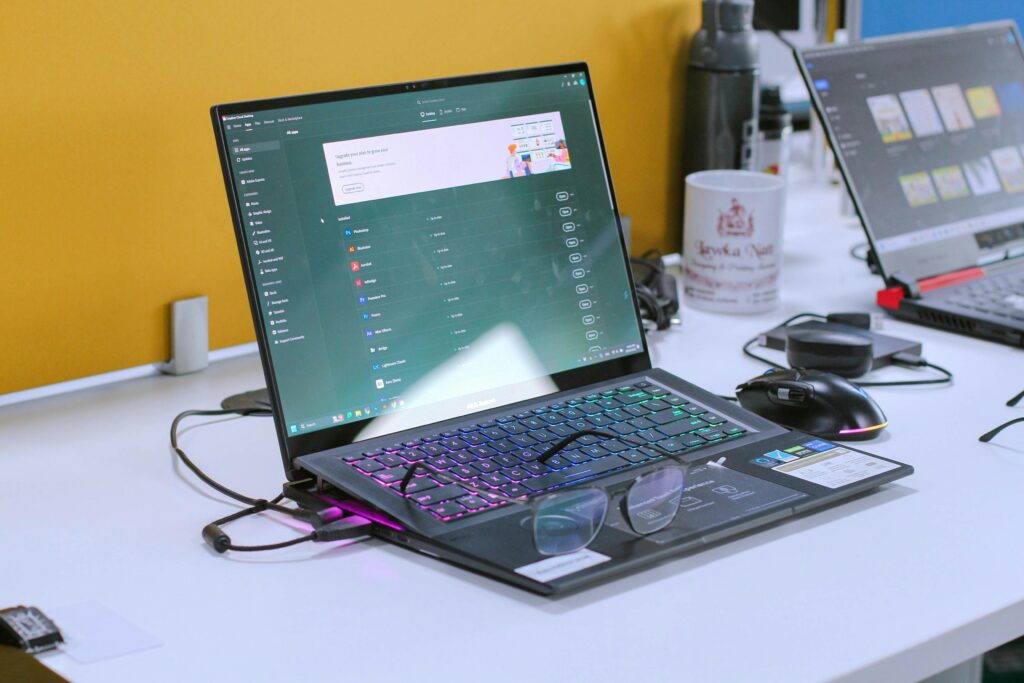
If you hand‑pick the right second hand hardware, you can still get a functional general‑purpose computer (all in) for under £30 in 2026 – this is including the screen, keyboard, storage, internet w/usage, phone calls, sms, and everything you need. It’s not high speicifcation, or in-house AI gaming computer ready, but it is including many of the features you actually need to learn or work in 2026, like the ability to perform calucations, and run most open source code, including lots of python libraries.
This article is one more entry in the “cheapest possible X” series on Circuspam, focused on maximum enablement ratio. See also cheapest bed, cheapest food, cheapest land, cheapest house, and optimum wardrobe posts.
What “cheapest possible computer” means here
For this series, “cheapest possible” has some ground rules:
- It has to be a real and working computer: general‑purpose OS, file storage, web browsing, reliable text and code editing, and solutions for most social needs.
- It has to be generally reproducible from real listings, not theoretical eBay one-offs that appeared once in 2014.
- This hardware is available now, and similar listings for newer hardware pricing is likely to appear over time.
In March 2026, this current sweet spot is for a retired Android tablet from 2012, a set of USB peripherals, to meet modern needs, covering the keyboard, storage, and an 3G or LTE data dongle with very small monthly data plan.
The March 2026 parts list (total: £27.85)
These prices are from real listings found in March 2026 from CEX, Amazon and similar UK‑accessible sources; they’ll drift, but they’re plausible starting points.
| Component | Job | Approx price |
|---|---|---|
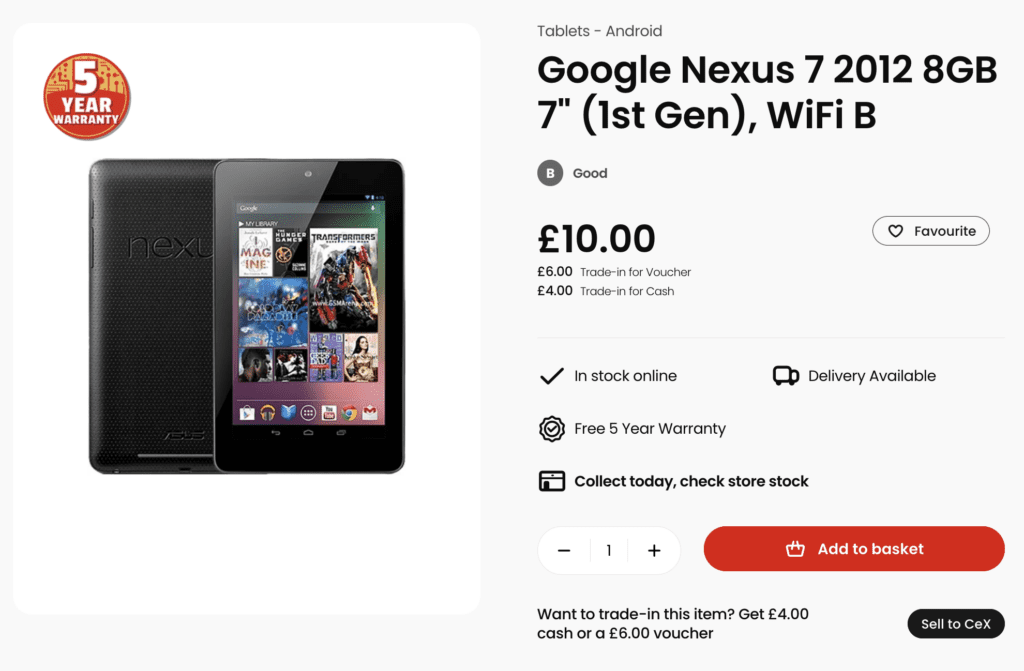
| Google Nexus 7 (2012) 8GB (CEX) | Core computer + touchscreen + battery + Wi‑Fi | £10.00 |
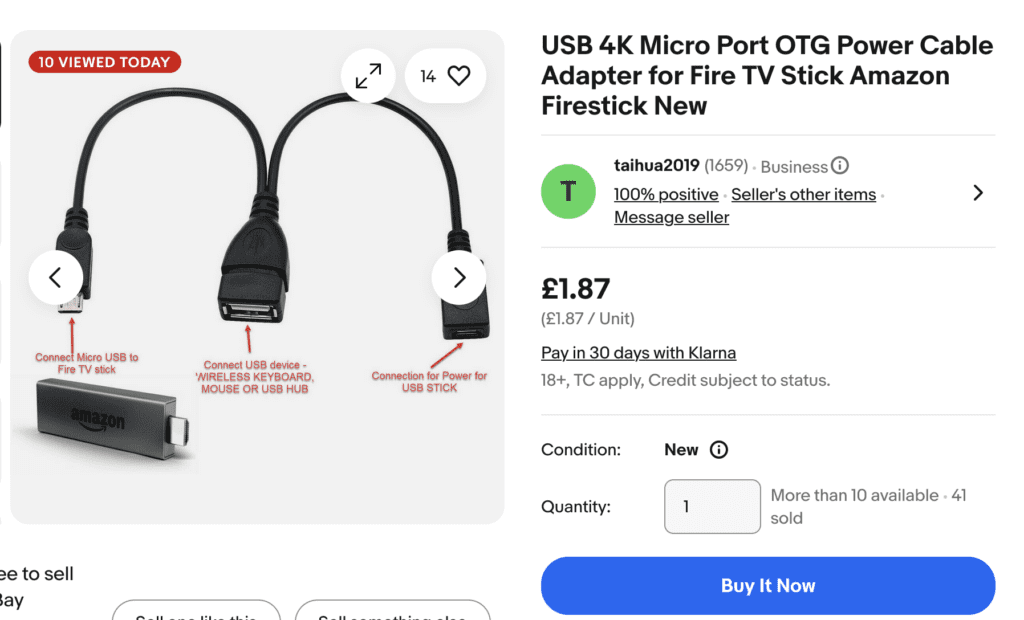
| Powered USB OTG cable (Amazon) | Lets tablet charge while powering USB hub | £1.87 |
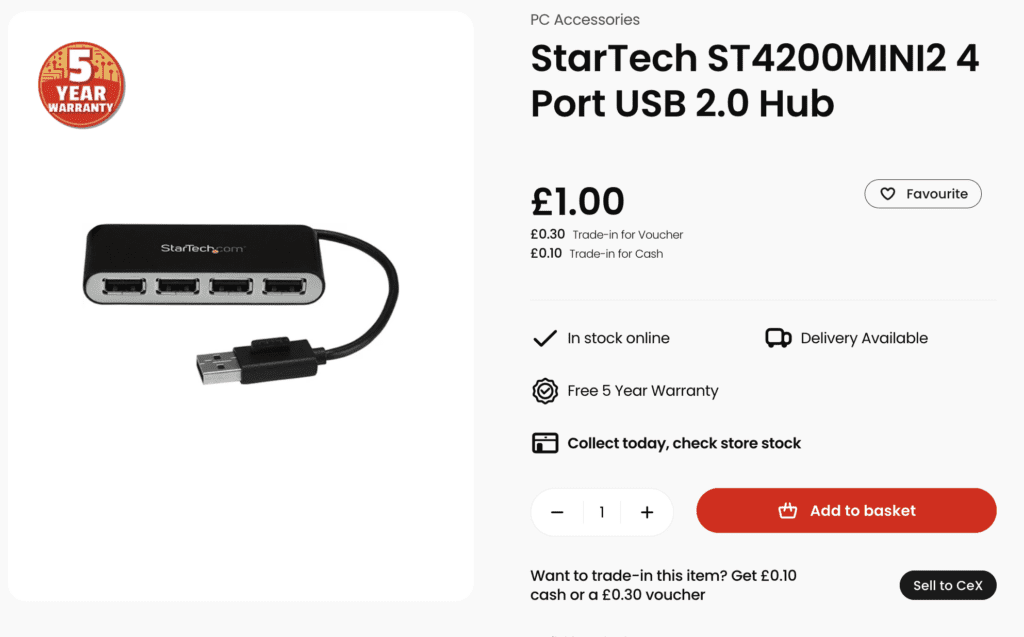
| USB hub (CEX) | Connects internet dongle + HDD + keyboard + other peripherals | £1.00 |
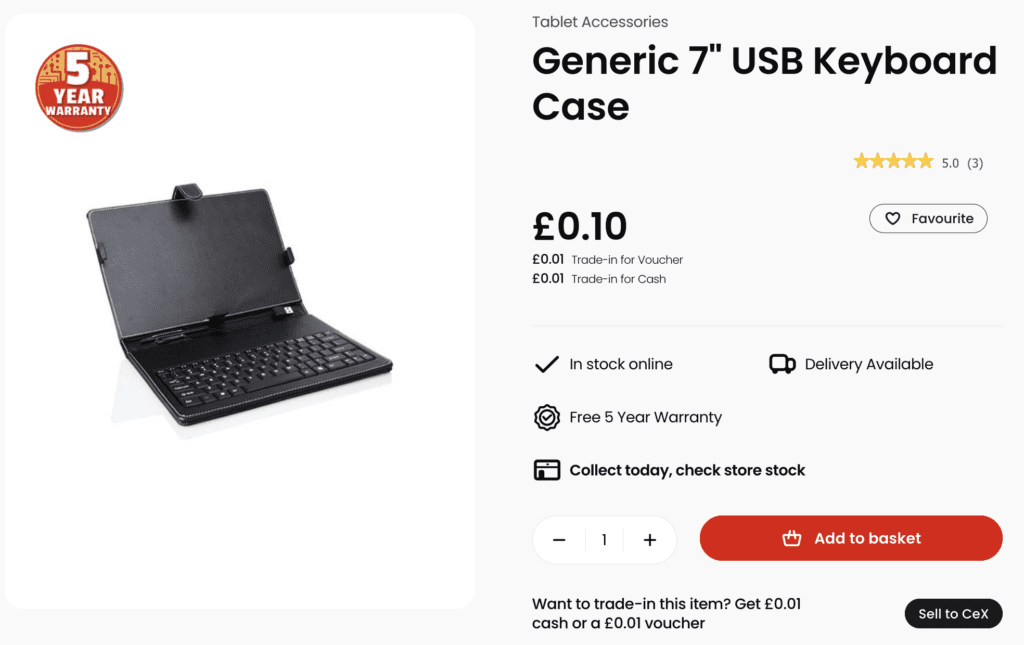
| Generic keyboard case (CEX) | Provides the USB Keyboard | £0.10 |
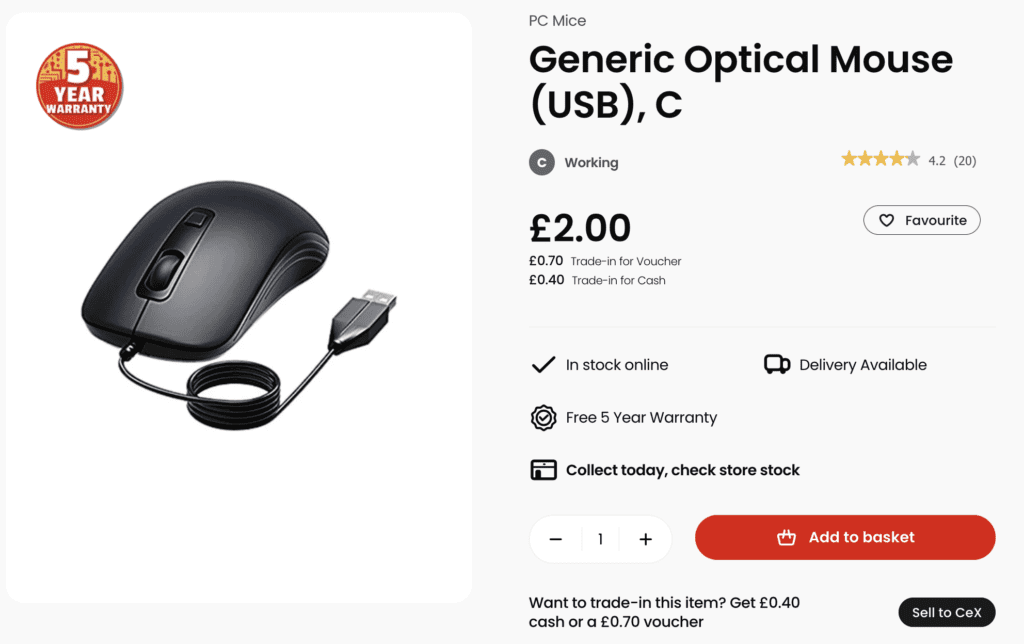
| Generic USB Mouse (CEX) | Provides Mouse Usability | £2.00 |
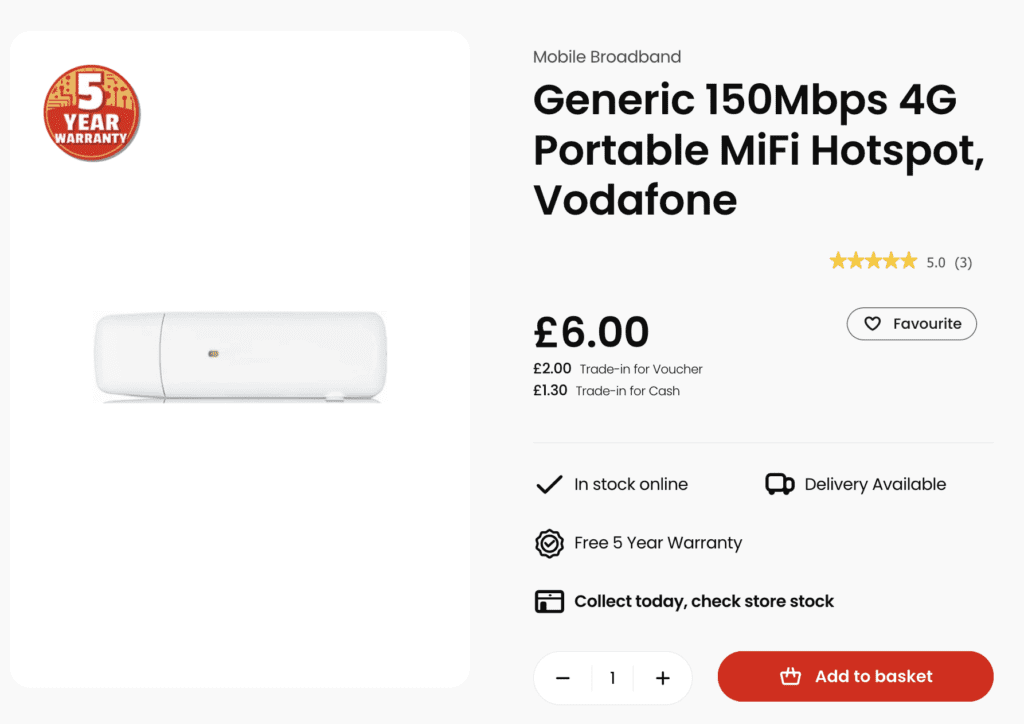
| LTE USB dongle (CEX) | Mobile internet (4G) | £6.00 |
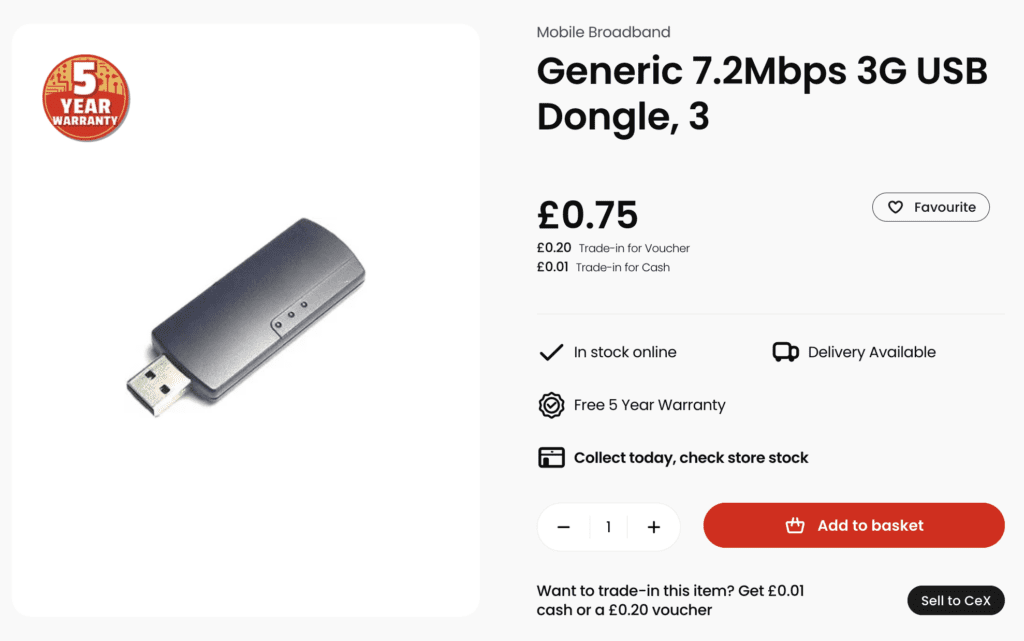
| 3G 7.2 Mbps USB dongle (CEX, legacy) | Cheaper, already phased out, (limited to 100kbps 2G speeds) | £0.75 |
| Lebara data SIM (MSE) | 10GB/monthly rolling data plan | £1.35 (one month) |
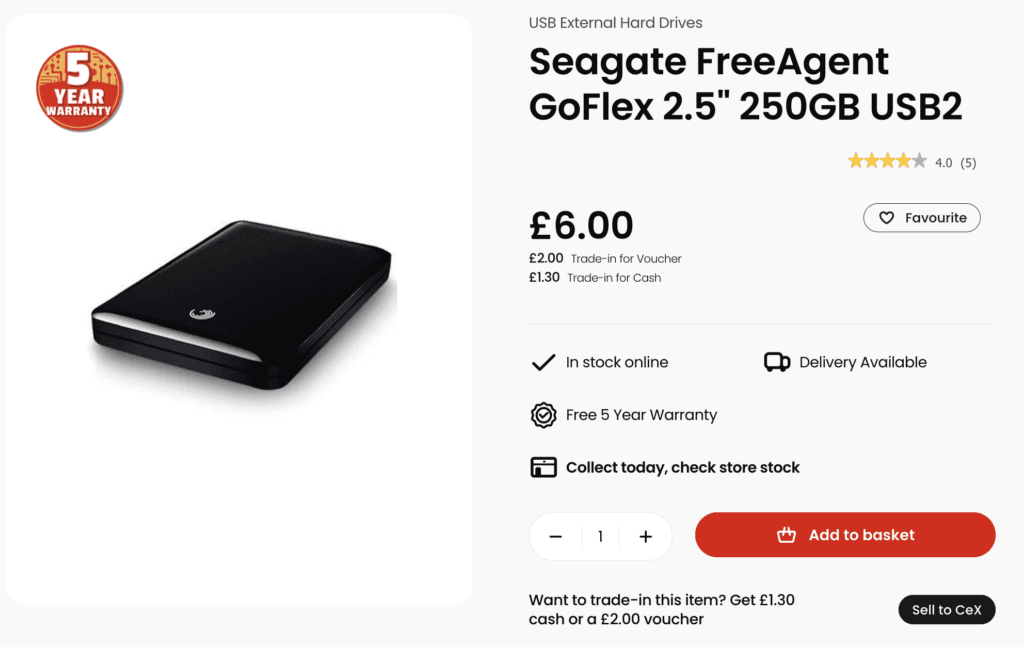
| 250GB USB hard drive (CEX) | Bulk file storage | £6.00 |
Total with Bare Minimum: £16.22. (Calls, texts, internet that won’t run youtube, built in storage only, touchscreen mouse, and keyboard case.)
Total with Recommended only: £21.47. (Including fast internet.)
Total with Recommended and Suggested: £29.47. (Including mouse, keyboard, fast internet, and extra storage)
Current Listings in March 2026
Remember, newer hardware will continue to be offered at these prices as the old, new devices, retire continually.
Nexus 7 8GB CEX listing
USB Adapters
Keyboard and Mouse
Internet Related Listings

Storage
The result is a tiny computer cluster in disguise: Screen, CPU, network with service, and an external drive that behaves exactly like it would on a laptop.
Core device: £10 Nexus 7
The heart of this build is the original Google Nexus 7 (2012) tablet, 8GB version, which often shows up around £10 second hand in places like CEX in the UK for the lower cosmetic grades.
That £10 isn’t just a “board” like the Raspberry Pi – you’re getting:
- A 7‑inch 1280×800 IPS touchscreen (a computer monitor),
- A quad‑core Tegra 3 CPU with 1GB RAM,
- Wi‑Fi & Bluetooth,
- Battery & Charger (a power supply).
In other words: You dont need to buy a screen, power supply, all are “included in the price”, which is how we dodge the usual “yes but you forgot the monitor” pedantry.[wiki.postmarketos]
Operating system: insecure Android vs maintained Linux
Out of the box, a Nexus 7 of this age will be stuck on long‑abandoned Android versions with no official security patches. You have a realistic OS options though:
- Stay on the stock Android:
- Works immediately.
- Security is objectively bad.
- You’re limited to old versions of apps that still install.
- You can use the F-Droid Marketplace to run apps like Termux, and Andronix.
- Install postmarketOS (recommended for tinkerers):
- A lightweight Linux distribution based on Alpine Linux, explicitly created to give very old devices a long, security‑patched life.
- The Nexus 7 (2012) is a supported community device; it runs close‑to‑mainline Linux, supports USB OTG, Wi‑Fi, audio and other essentials.
- Security updates flow from Alpine Linux to all supported devices without waiting for a vendor to care about your 2012 tablet again.
- Supports lots of normal computer software and custom apps.
You’ll need an install walkthrough, but not here; the important point is that with a bit of effort you can turn a £10 tablet into a tiny Linux box that still receives kernel and userspace security fixes in 2026.
What you can practically do with 1GB of RAM
Here’s the honest bit: 1GB of RAM in 2026 is ugly, and big commercial desktop apps will not thank you. Many mainstream browsers, office suites and IDEs assume 4GB+ as a baseline.
However, with a lightweight Linux like postmarketOS, you can still do a surprising amount provided you choose your tools carefully:
- Web browsing:
- Lightweight browsers and minimal tab discipline will handle documentation, email, basic web apps and text‑heavy sites.
- Heavy JavaScript single‑page apps and video‑heavy social platforms will feel like walking through syrup.
- Writing & basic office work:
- Text editors and simple document suites that avoid Electron‑scale bloat will be fine for notes, articles, and offline markdown writing.
- Some traditional office suites do run within 1GB, but you’ll want to avoid having five of them open at once.
- Programming & sysadmin tasks:
- CLI tools, scripting languages, Git, static site generators and similar workflows are very comfortable at this footprint.
- You’re closer to a tiny cloud server than a “modern desktop experience”, which is exactly the point.
- Media & files:
- Local music, photos and PDFs stored on the 250GB drive are easy to manage; lightweight players and viewers are not particularly RAM hungry.
- Large media editing (video, high‑res images) is where you start to hit a wall.
You’re rewarded for using “free as in freedom and as in not bloated” software as well: the less marketing budget an app has, the more likely it is to run well here. What you actually get is a computer totally capable of doing lots of kinds of work on.
Offloading heavy lifting to the cloud
The cheapest possible computer doesn’t have to do everything locally. It just needs to be a decent terminal.
You can bolt on occasional heavy compute via:
- Cheap VPS instances – low‑end boxes with 2GB RAM and a shared CPU core are routinely available for roughly £10/year in the budget hosting world, which you can drive over SSH.
- On‑demand cloud compute – hourly‑billed instances (or containers) for occasional big jobs: compile times, data processing, GPU maths workloads, media conversion.
- AI APIs – instead of trying to run large models locally, you call out to APIs for summarisation, code assistance or generation jobs using the network connection and a small amount of bandwidth.
Your £29.47 machine becomes the control panel: edit locally, push to the VPS when you need more horsepower, then pull results back over your 5GB data trickle.
Ergonomics: desk vs bed, and spam‑flavoured misery
On a desk, this works better than it has any right to:
- Tablet on a cheap stand
- USB keyboard and mouse in the hub
- Hard drive and LTE dongle hidden behind everything
On a bed, it’s… possible, in the sense that it technically functions if you are willing to live among cables like a particularly determined spam email trying to escape the junk folder.
If you want something that behaves more like a laptop without the trailing wires, you move up a tier.
Upgrade: £45 Lenovo Yoga Book (screen absolutely included)
For roughly £45 at CEX in March 2026, you can often find a Lenovo Yoga Book 10 YB1‑X90F 64GB 10.1″, which is a convertible tablet‑laptop hybrid.
Compared to the Nexus 7 build, you get:
- 4GB RAM instead of 1GB – four times the working memory, which massively improves browser tabs, office suites and general sanity.
- 64GB internal storage plus microSD expansion – you might not even need the external 250GB drive unless you hoard media.
- A 10.1″ Full HD‑ish touchscreen and the fold‑flat “halo” keyboard – so yes, this price explicitly includes the screen, keyboard, digitiser, case and battery in one hinged slab.
You still add:
- The same £1.35 10GB data SIM (tether via phone, dongle, or Wi‑Fi),
- Optionally a small external drive or microSD card for backups,
- A cheap case if it doesn’t already come with one.
For people using this while sitting or in bed, the Yoga Book tier removes the rats’ nest of cables and gives you a single physical object that feels like a strange, thin laptop. It’s still very much “obsolete consumer device repurposed”, but it’s dramatically more comfortable.
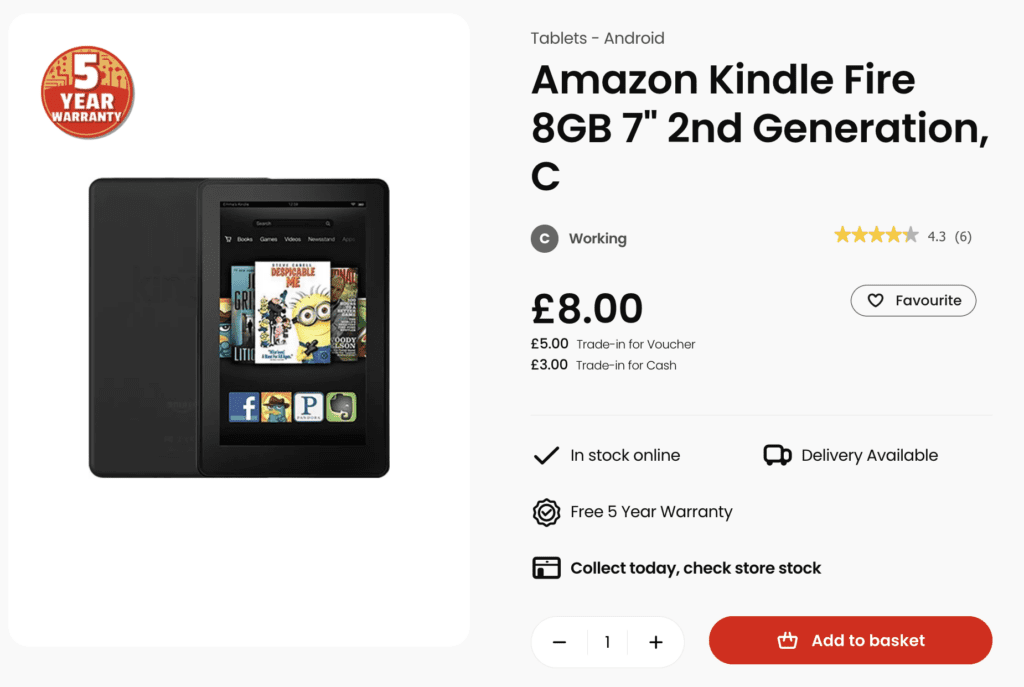
Dowgrade: £8 Fire Tab (Without Full Linux)
The absolute cheapest possible solution to this problem might be the Amazon Fire Tab 7″ which has lots of options for £8, but does not relibaly support linux installation for full apps. You can sideload F-Droid and install the anti-bloatware software, but you might not get security updates.
Why these examples will keep changing
The point of this series isn’t “worship the Nexus 7 forever”; it’s to show how to think about the bottom of the market.
Some trends that matter:
- Every year, a different device falls into the £10–£20 graveyard.
Today it’s Nexus‑era tablets; tomorrow it’s mid‑2010s Chromebooks, Windows convertibles, or oddball Android laptops. - Projects like postmarketOS deliberately target abandoned hardware.
The distribution already supports hundreds of phones and tablets, aiming for a ten‑year lifecycle by piggybacking on Alpine Linux. - Cheap connectivity keeps getting re‑bundled.
Today’s £2.50–£5 for ~5GB promo SIMs will be tomorrow’s “unlimited social but throttled video” or similar; the exact plan doesn’t matter as long as the cost/data ratio works.
So treat the specific build here as a worked example for March 2026, not dogma. In a year or two, you’ll build the “cheapest possible computer” from a different pile of spam‑filtered hardware – but the method stays the same.
Conclusion: intentional minimum, not accidental deprivation
This “cheapest possible computer” isn’t here to glorify being broke. It’s here to prove that for roughly the price of a takeaway and a couple of tins of questionable meat, you can assemble:
- A general‑purpose Linux machine with a screen,
- A decent chunk of storage,
- A trickle of mobile data,
- And a path to real work: writing, coding, learning, communicating.
If you’re reading this with more resources, the point isn’t “you should live like this forever”. The point is: you could, and you could help someone else reach “full computer access” at pocket‑lint prices if you wanted to.
Everything after that – faster kit, nicer screens, more RAM – is just adding more slices of spam to the same basic sandwich.